Not roles — computed permissions
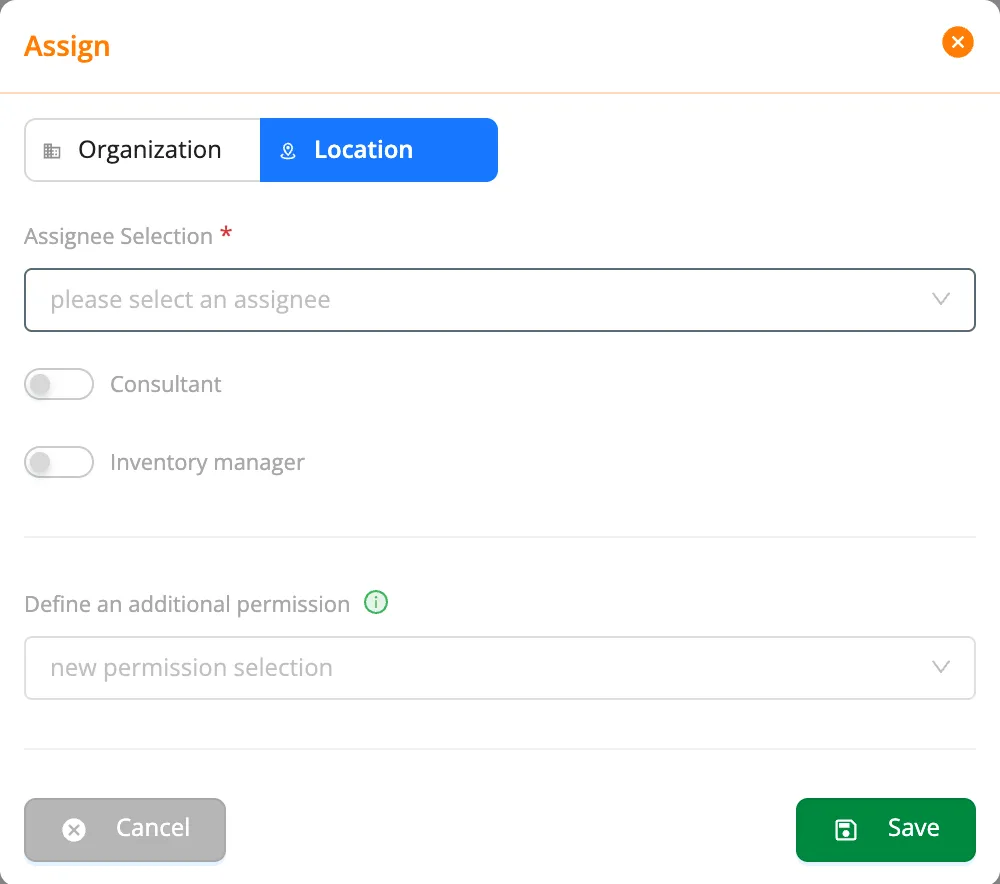
In kommuns you never give anyone a fixed role. You assign a person, a team or a partner somewhere in the inventory with a permission definition; the real permission on each inventory is computed at that moment from these assignments. We call it the dynamic permission model.
How it differs from a classic role model
| Classic role model | kommuns: dynamic permission model | |
|---|---|---|
| What does a person get? | One role (e.g. Technician) | Assignments on the inventory (e.g. Technician at the Boston hotel, manager of Electrical) |
| Where does it apply? | The same everywhere | Computed separately for each inventory |
| A new building, a new partner | Invent a new role | Make a new assignment |
| When the assignment is removed | Update the role by hand | The permission goes away by itself |
In a role model, a technician who works in one building only, or a contractor who may reach only the HVAC system, needs new roles. In kommuns what can be done (the permission definition) is separate from where (the assignment), and the assignments live in the inventory tree.
How is it computed?
A colleague assigned with the same Technician definition can delete only on the systems they manage. One definition gives everyone their own area.
Teams and partners in the same model
- Teams: assign a team on the inventory; the team captain uses the team's permission, members work on the work orders assigned to the team. A new member sees the team's work at once.
- Expert companies: the owner assigns a company only on the systems concerned. The company admin passes it on to employees in full, limited by their own company permission or limited by a chosen permission; no employee can use more than the company was given.
- Consultant: a switch on the assignment. The same company can do the work on one system and review it on another.
Control for administrators
- Three-state permissions: Yes, No or Inventory Manager for each permission.
- Default definitions: Organization Admin / Employee, Location Manager / Employee, Team Captain / Member; add your own.
- Safe by default: a new employee sees no inventory until assigned on a location.
- Audit trail: who did what on which inventory, in the Log Records.
Read more: The dynamic permission model and How your permission is computed.