All your customers on one screen.
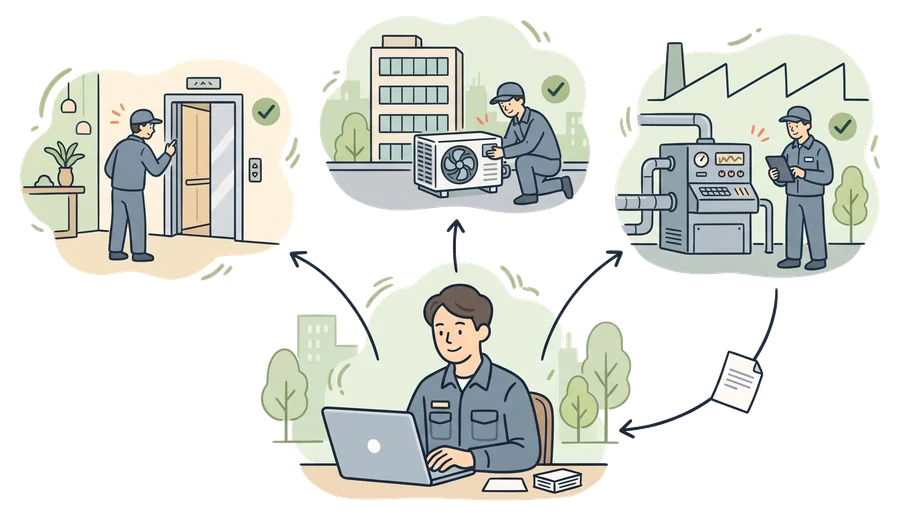
If you provide maintenance, service, periodic inspections, audits or consulting, in kommuns you work in your customers' inventory with the permission they give you. Share incoming work out to your team, fill in the form in the field, and keep the report and the approval with the job. Accounts for expert organizations are free.*
- A free account*
- All your customers in one account
- Do the work, or review it
* An expert organization’s account is free for up to its first 5 connections with customers.
Why kommuns?
Start for free
An expert organization's account opens with the Expert Free plan; you don't pay for the service you provide to your customers.*
More customers, no scattered work
Each customer's work, inventory and permission are separate, and all of them are in one account, in one list.
Doing or reviewing
Do the maintenance at one customer and review as a consultant at another; never both on the same work order.
Your own inventory too
Manage your office, your warehouse and your service vehicles in the same account, like a business.
* An expert organization’s account is free for up to its first 5 connections with customers.
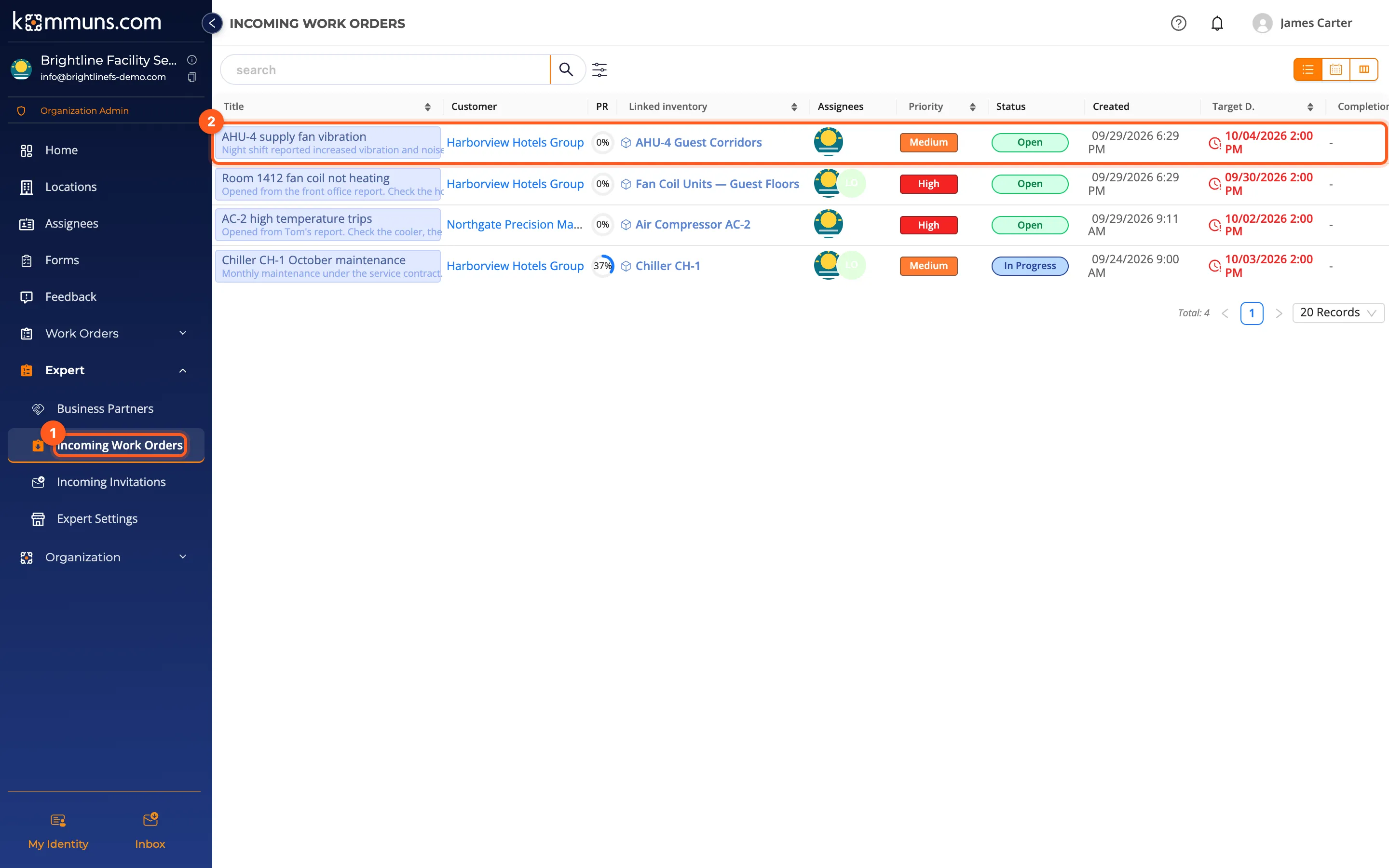
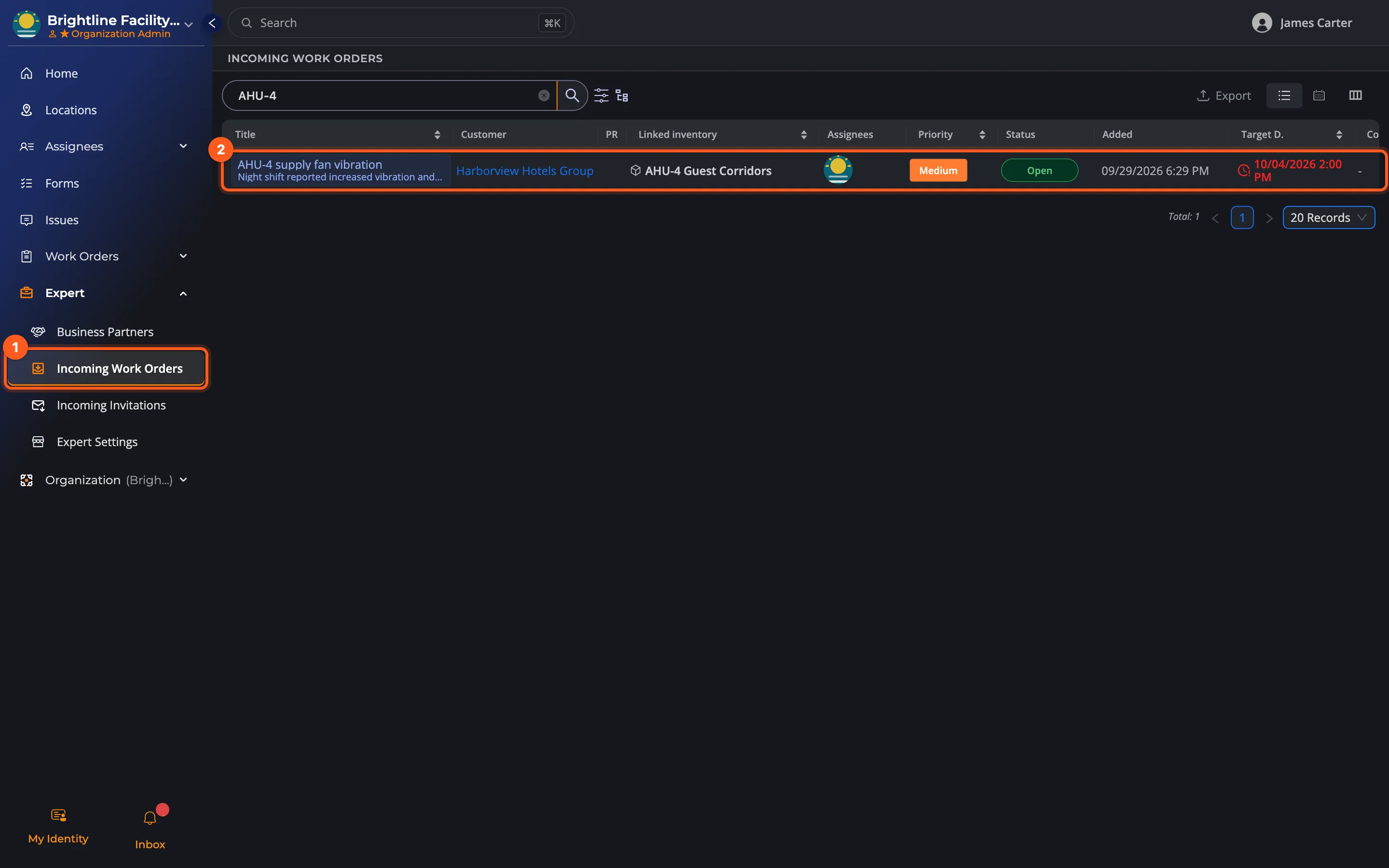
Incoming work in one list.
The work orders your customers assign to you are together in Incoming Work Orders. Forward each one to a technician or engineer on your team in one click.
- All your customers' work in one list
- Forwarded to someone on the team in one click
- The customer page: your work there and the systems opened to you
- Invitation and work notifications to your default administrator
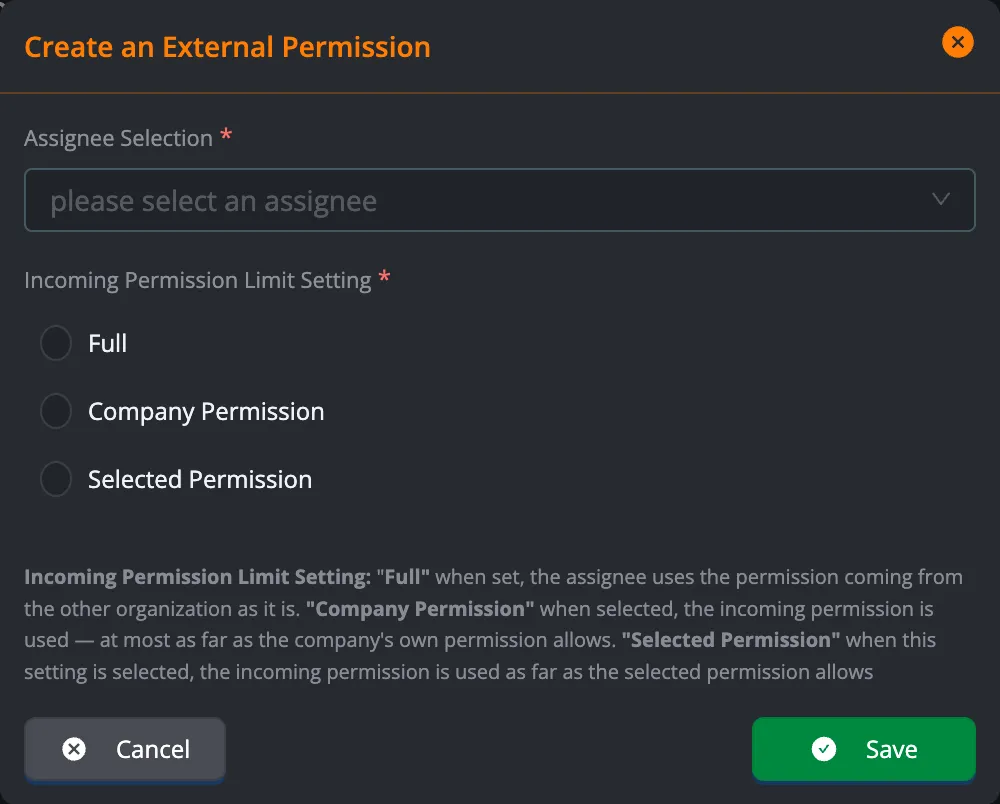
Permission passed on to your team, within its limits.
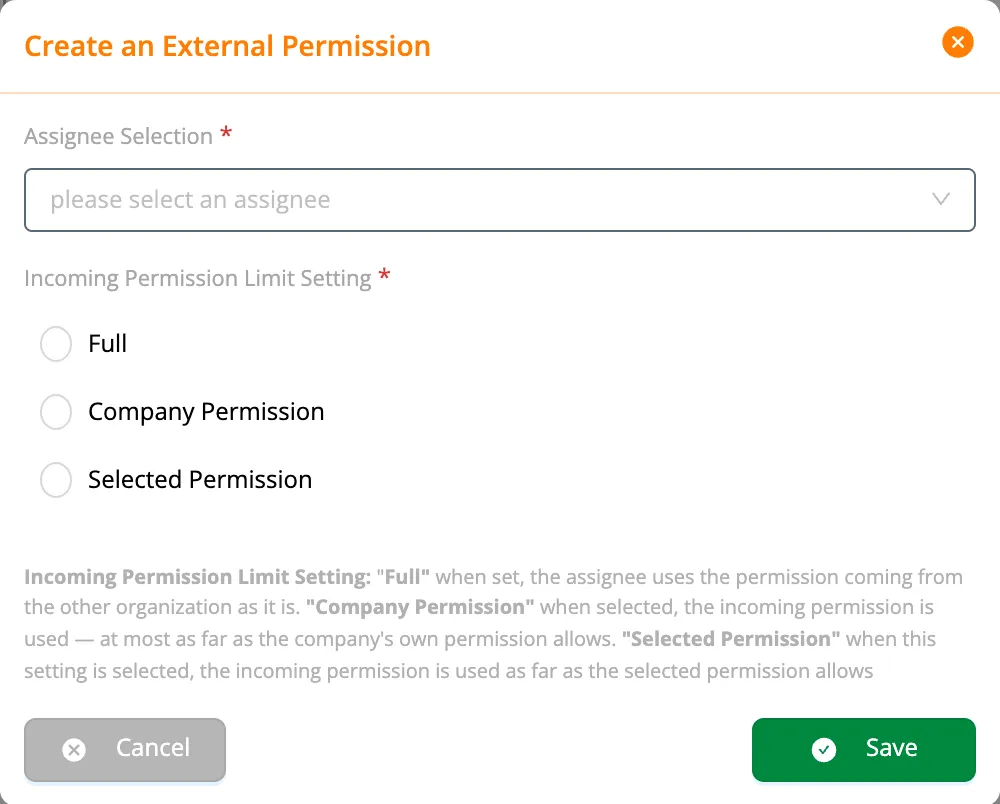
You pass the permission received from a customer on to your own employees: in full, limited by the employee's permission in your company, or limited by a definition you choose. No employee can use more than you were given.
- Full, Company Permission or Selected Permission
- A team's permission is used by its captain
- When the customer removes the assignment, the access goes with it
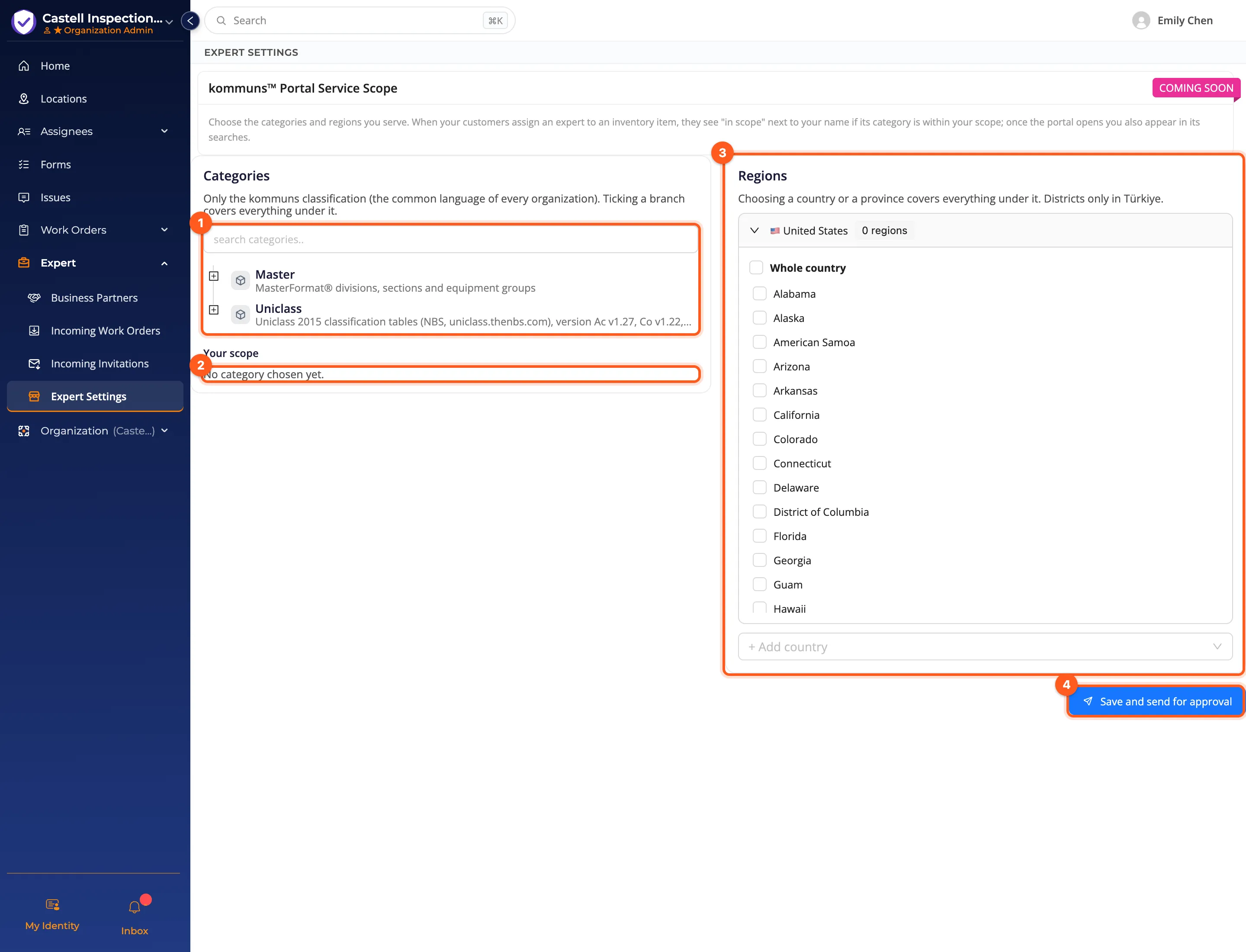
Make your service scope visible.
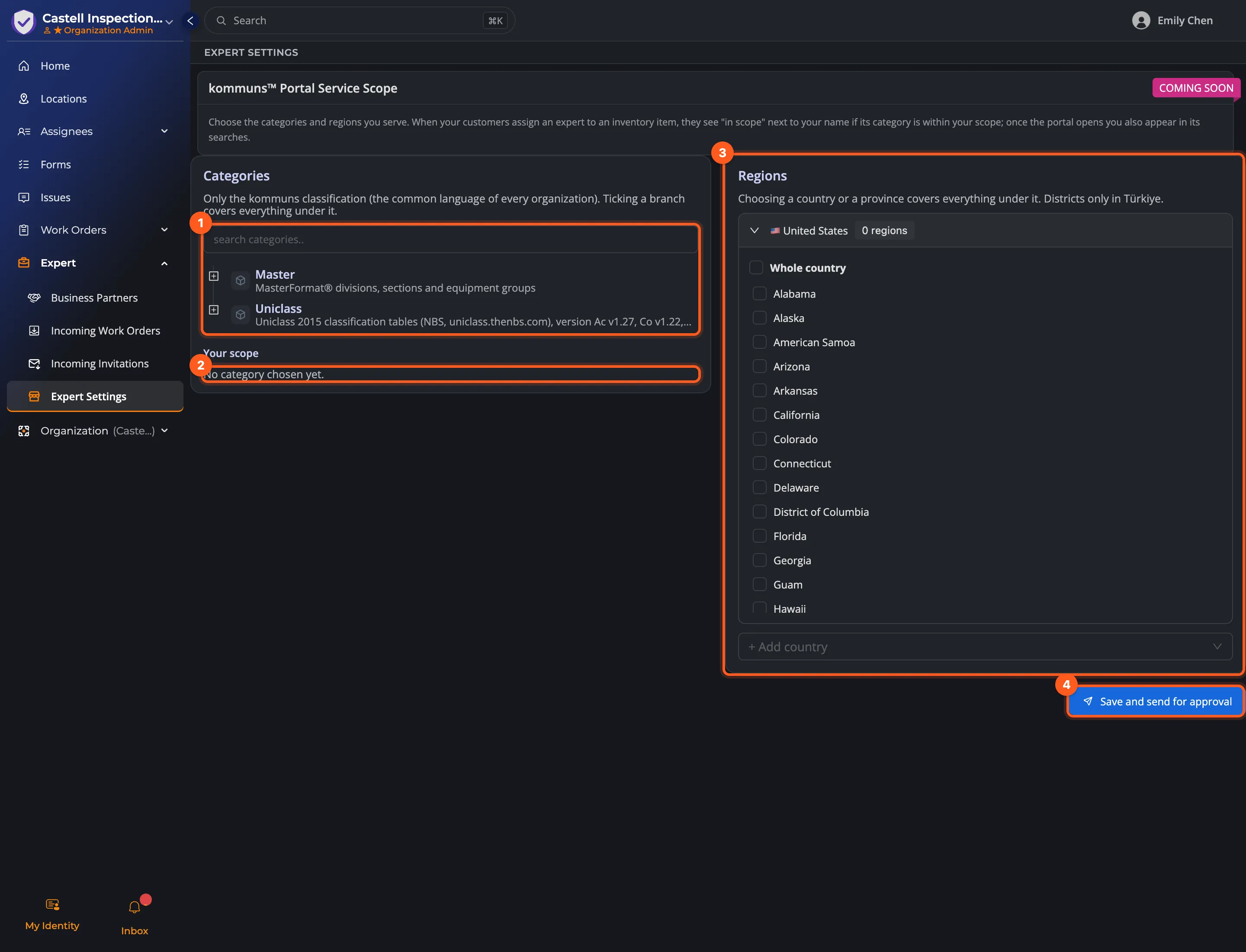
In Expert Settings, choose the work you do and where: kommuns categories and regions. When a customer assigns someone to an inventory, they see an in-scope mark next to your name if the inventory's category is in your scope.
- Your fields of service in the shared category language
- Regions by country, province and district (districts only in Türkiye)
- Customers see your scope when they assign
Meet your customers on kommuns
Open your account
Create your organization as an Expert Organization; the Expert Free plan comes ready.
Share your organization's identity e-mail address
Your customers invite you with this address; accept the invitation in Incoming Invitations.
Pass it on to your team
Pass the permission received from the customer on to your technicians or teams, choosing its limit.
Forward and complete the work
Share incoming work out to your team; the form, photos and report stay in the customer's inventory.
Who is it for?
Service and maintenance companies
Elevators, HVAC, electrical and mechanical maintenance: many customers' work in one account.
Periodic inspections
Record and approve inspections in the customer's inventory, with the customer's forms.
Audits and consulting
Review the work on a system, and keep your review in the work order.
Facility management companies
Work in the buildings you manage with your own team, with the permission your customer gives you.
Get on the same page as your customers.
Open your expert organization account for free*, share your organization's identity e-mail address with your customers, and follow the first job together.
* An expert organization’s account is free for up to its first 5 connections with customers.