Every location with its own team, in one organization.
A café, a hotel, a shopping mall or hundreds of branches… Your organization can work with different people, different teams and different expert organizations at each location. Every location keeps its own tags, files and time zone; head office sees them all in one place, and each location focuses on its own work.
- A team and permissions per location
- Its own tags and files
- Every location in one place
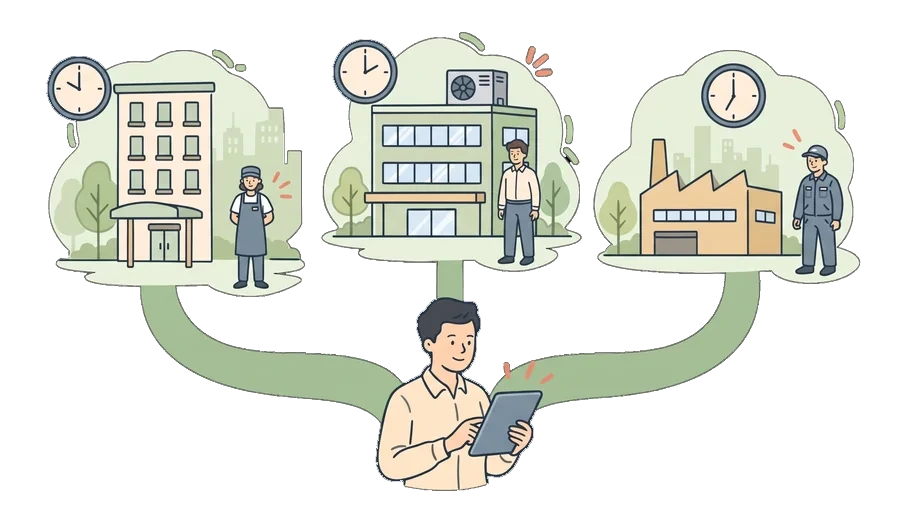
Identities per location
Work with one team at one branch and another team at the next: employees, teams, expert organizations and integrations.
Its own manager
A Location Manager assigns people and runs the work at their location; head office sees every location.
Its own tags
Tags used only at that location, on the location's Tags tab.
Its own time
Every location in its own time zone: work orders, planned maintenance and reminders in the location's time.
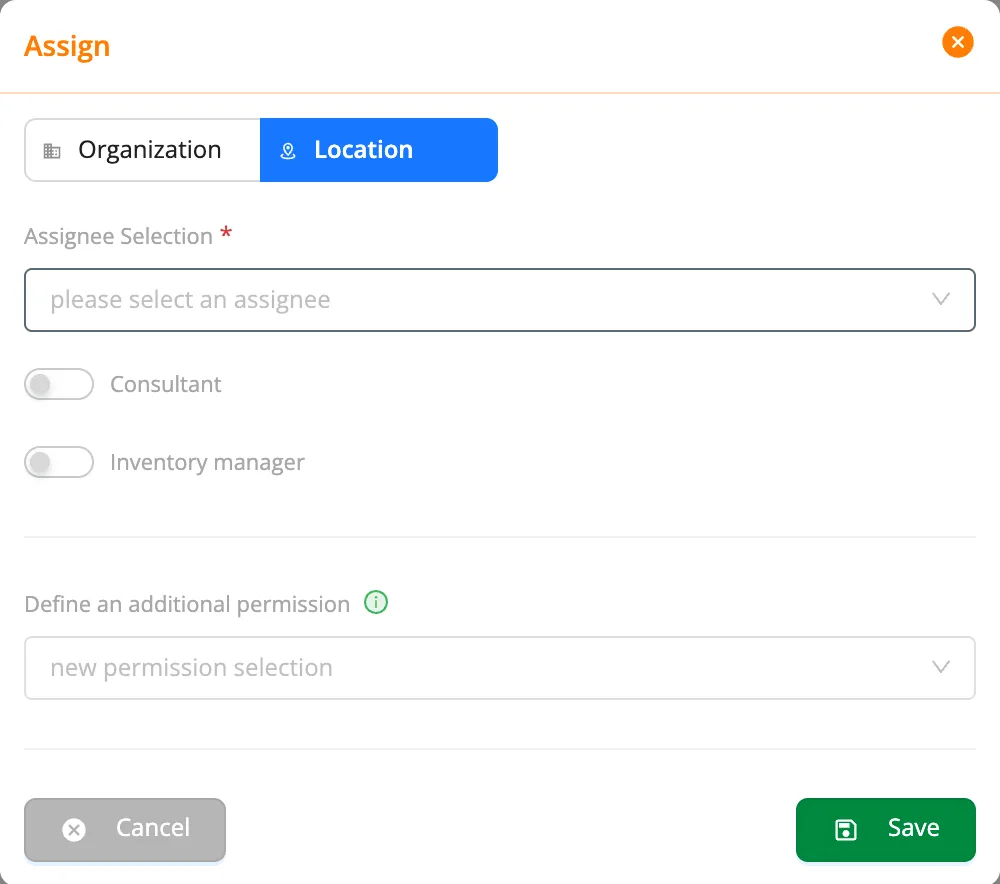
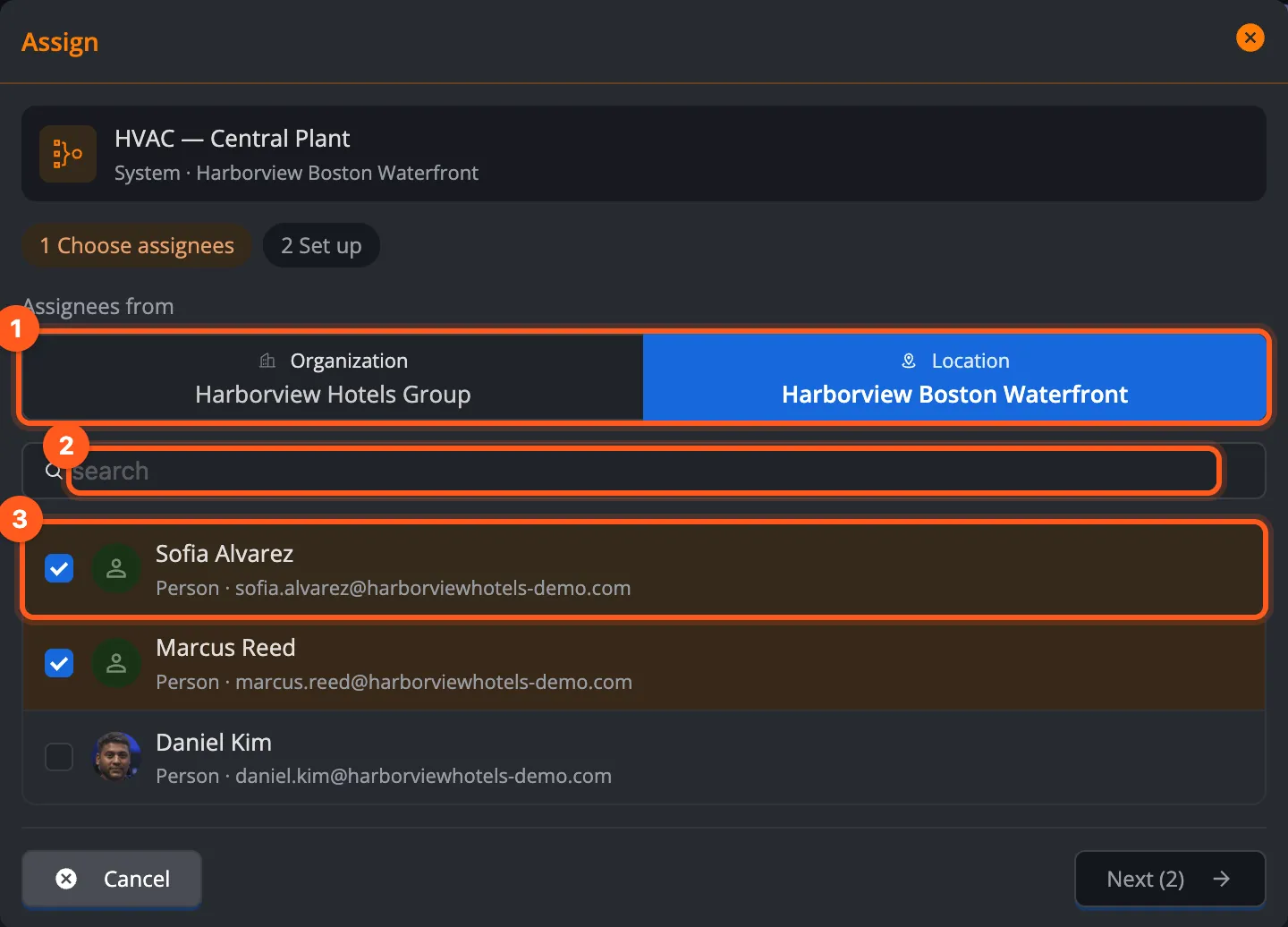
Every location has its own assignees.
A location's Assignees tab shows the people, teams, expert organizations and integrations working there, together. You can assign one elevator company at one branch and another at the next; each of them sees only its own location.
- Assign at the location: a person, a team, an expert organization or an integration
- A Location Manager has every permission at their location
- The inventory manager: work opened without an assignee goes to them
- Remove the assignment, and the access goes with it
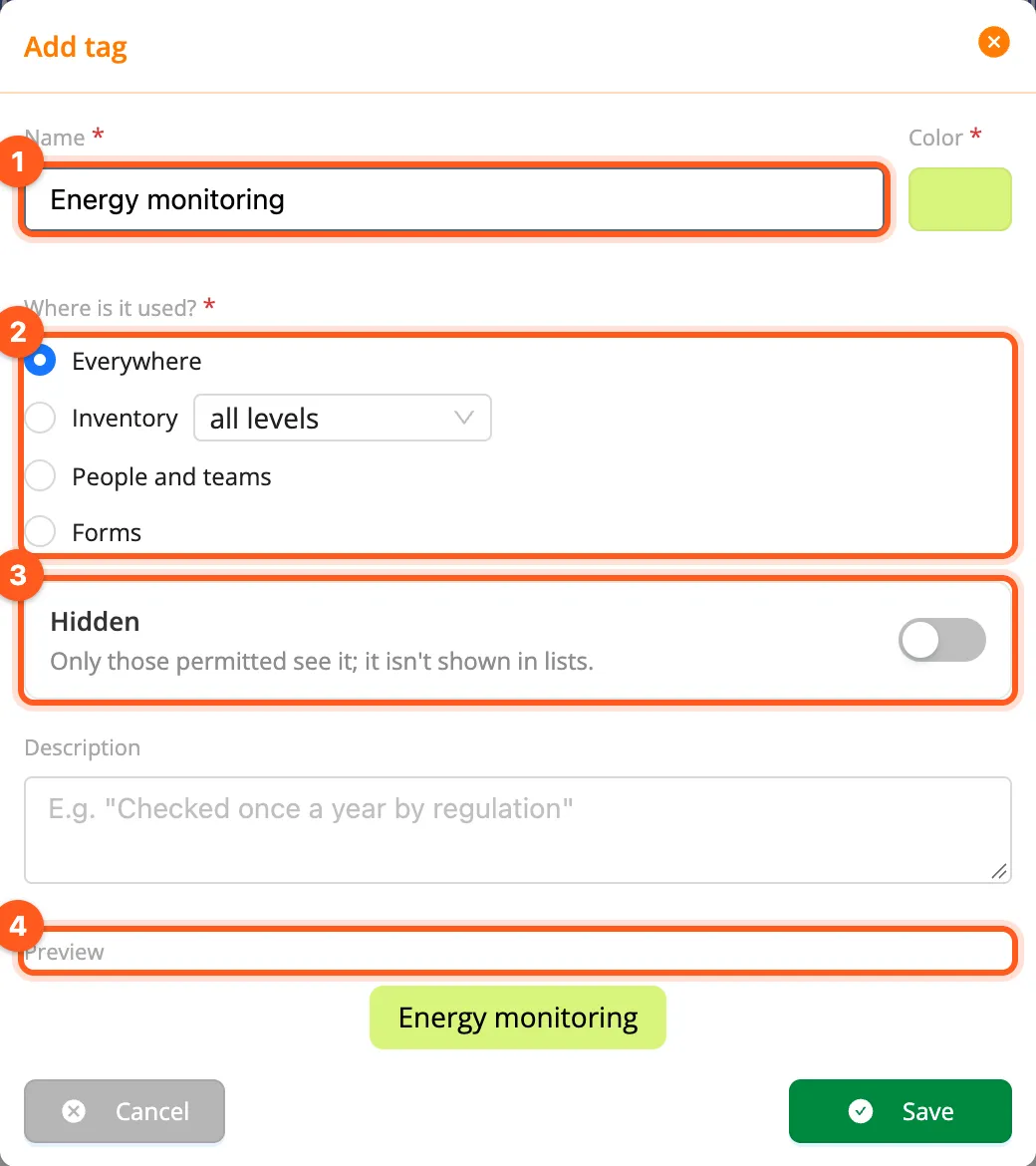
A location's own tags and files.
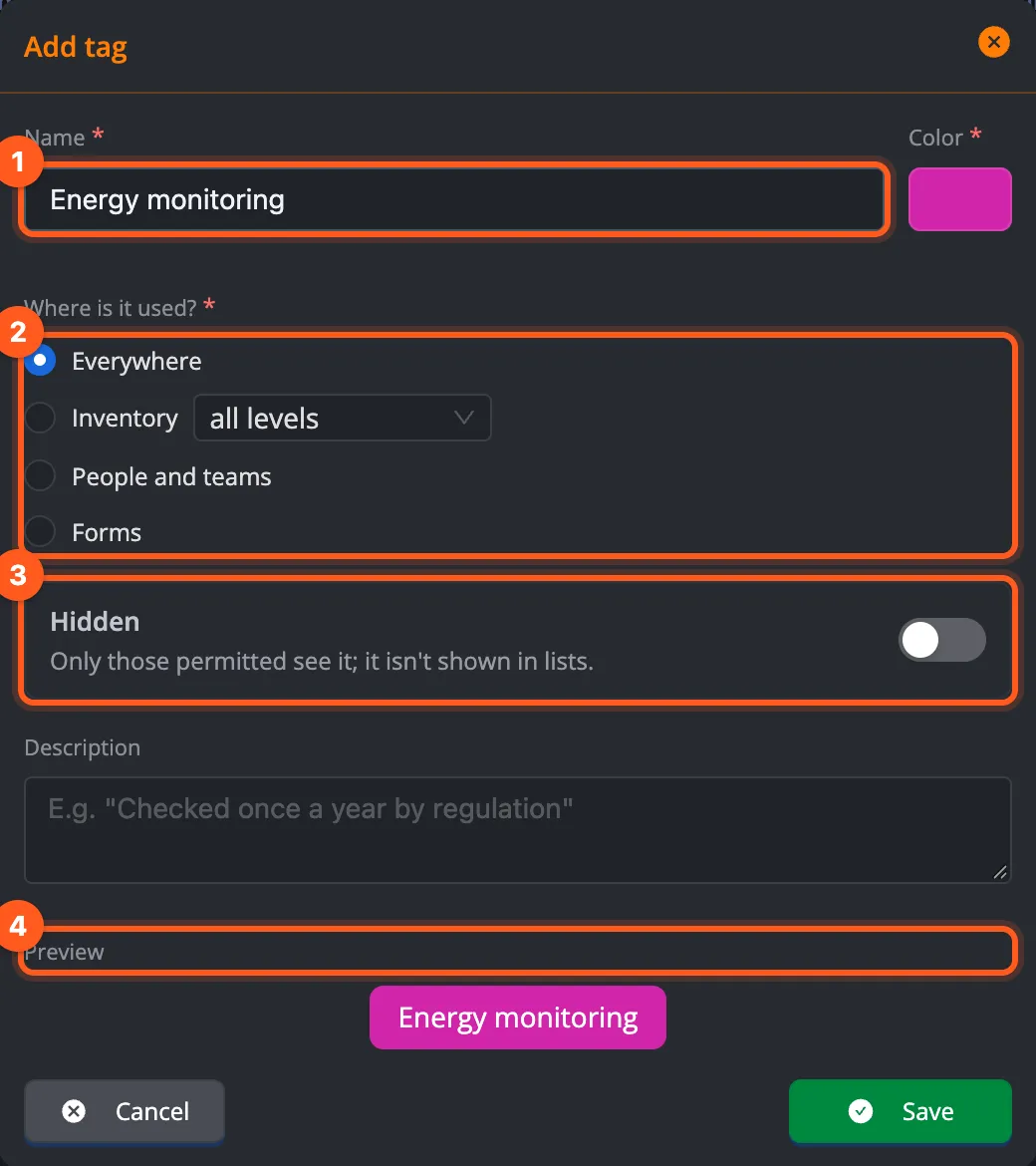
Every location can create its own tags: one branch's Critical equipment or Code-required inspection tag shows only at that branch. Drawings, user manuals and documents stay on the location's Files tab, too.
- Location-specific tags on the location's Tags tab
- A tag used at the location, system or equipment level
- A file area with folders on the location's Files tab
- One document linked to several inventories without copying it
When you open a new branch
Create the location
Its address, map position and time zone. If the address isn't known yet, you can add it later.
Add the inventory
Add its systems and equipment; move a system that changes place from another location, with its history.
Assign the team
A Location Manager, teams and the expert organizations that serve that branch.
Planned maintenance starts by itself
Rules matching a type, category or tag cover the new branch's equipment by themselves.
All your locations at a glance.
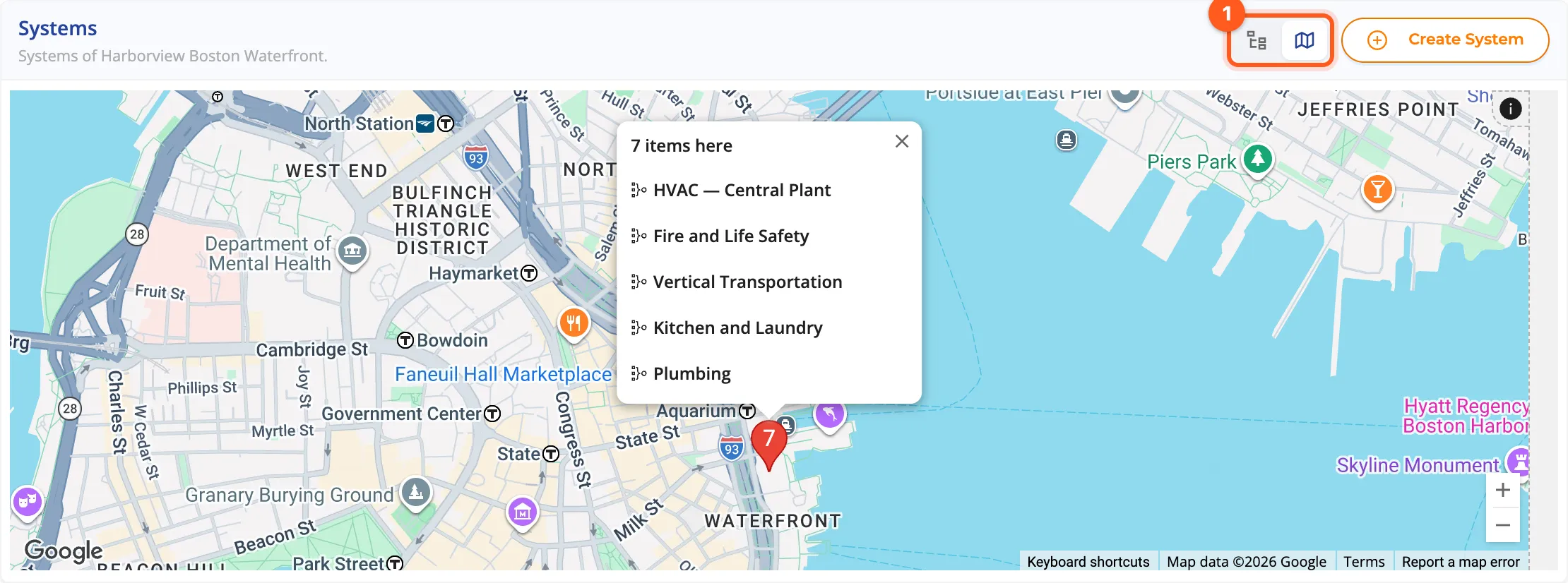
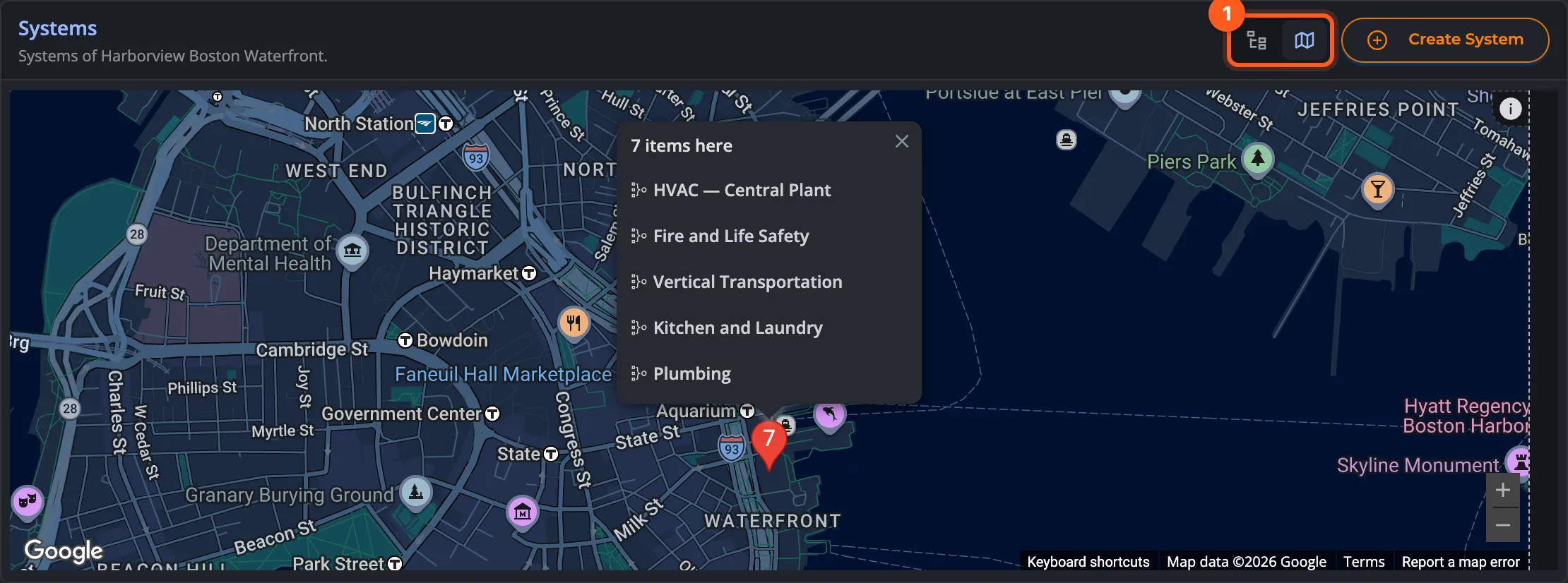
The Locations page shows all your branches in a table or on a map. Head office sees the work of every location; when the reader's time differs from the location's, the location's city is shown next to the time.
- Table or map view
- Download the list as Excel
- A location without an address yet: a branch that's being set up
- The city next to the time when the reader's time differs
Who is it for?
Chains
Café, restaurant, retail and hotel chains: every branch with its own team, head office with all of them.
Shopping malls and office towers
Separate managers, teams and expert organizations for each building or block.
Multi-site manufacturing
Factories and warehouses: every site with its own technical team and its own time zone.
Expert organizations
Work only at the customer's locations they serve.
Set up your first location today.
Start with one location and assign your team; let new branches join the same order by themselves.